You already have Claude. Now let’s get results
Corporate Claude training is a hands-on course for teams that already have Claude at work and want the licences to truly pay off. I will teach your people to use Claude and its personal AI agents (Cowork) for everyday work: Excel, presentations, documents, emails and recurring back-office tasks. I train on-site at your company or online, in English or Czech.


Updated: November 2026
Why learn Claude with me

✅ In 2026 I rolled out Claude and trained teams at companies that use it, including Spolumajitelé, Hinton and Baumruk & Baumruk.
✅ I look at AI from a business perspective. I have 17 years of experience as a PwC consultant, startup CEO and trainer. I’m not an IT guy.
✅ I focus on return on investment: what exactly Claude should save or earn for your company and how you will know.
✅ I treat a Claude rollout as managed change, not a one-off lecture. I’m a Lean Six Sigma Black Belt and I also teach change management.
✅ I use Claude myself every day. I run my entire business with it: from proposals and training prep to VAT paperwork.
✅ I teach in plain language, with humour and patience. On tasks your people actually do.
My key clients

What your people will learn in the Claude course
The course is built from modules. We pick them based on who uses Claude in your company and for what. I focus on personal productivity and office work; I don’t teach programming. Click a module to see more:
🟢 Claude for every day
The difference between chat and Cowork. Projects and context, so Claude knows what you’re working on. Memory and personal settings. Which model to use so people don’t waste their limits. How to verify outputs and where Claude makes mistakes.
📊 Excel and working with data
Extracting invoices and receipts from PDFs into a spreadsheet. Comparing two tables and finding differences. Editing files while keeping formulas intact. Checking totals, data analysis and charts.
📽️ Presentations and documents
Presentations in your company template, built from source materials or a meeting transcript. Word documents. Summarising and comparing contracts, proposals and technical documentation.
🗂️ Back office with Cowork
Tidying up and bulk-renaming files based on their content. Sorting receipts and preparing documents for accounting. Orders, quotes and filling in spreadsheets. Meeting minutes and the action items that come out of them.
🧩 Skills and recurring tasks
How to turn a good workflow into a skill that Claude repeats on its own next time. How to share skills safely across the team. Scheduled tasks, such as a morning summary of your inbox and calendar. Connecting to Microsoft 365 and other company tools.
🛡️ Safely and by company rules
What you can and can’t put into Claude. Company vs. personal accounts. Why you shouldn’t let Cowork loose on shared folders and SharePoint. Who is responsible for the output.
How it works
✅ On your tasks: Before the training, I send participants a short questionnaire. Based on it, I prepare examples from their own work.
✅ On safe data: Practice files have the same format as yours, but no sensitive data. If you wish, we can use your real data.
✅ With result verification: The examples contain hidden errors. Participants see for themselves where they can rely on Claude and where they need to check every number.
✅ At three levels: Each example has a ready-made prompt for beginners, a custom variation for advanced users and a “turn it into a skill” challenge for the fastest.
✅ Brain first, AI second: Everyone first gets clear on what they want. Only then do they ask Claude.
✅ Business-minded: For every task, we discuss how much time or money it can save and whether it’s worth automating.
Case studies: Claude in companies
Spolumajitelé: full-day Claude workshop
The workshop was preceded by a briefing, a consultation on the pilot setup and a separate session on security rules. At the workshop, we covered working in projects, connecting to Microsoft 365, SharePoint and ClickUp, a personal agent with a morning summary, and sharing skills across the team. Company rules were a key part: what is allowed, what is switched off and why you shouldn’t let Claude loose on a synced SharePoint.
Workshop motto: “You won’t leave with a finished solution. You’ll leave with a foundation that’s already up and running.”
Hinton: company-wide Claude rollout
Hinton had Claude licences but wanted people to use them fully and safely. First, we set the rules with leadership: one company AI tool, clear principles for company data, model selection and rules for buying extra credits. We are driving adoption through a core team, ambassadors across departments, monthly experience sharing and evaluation of licence usage. We look for benefits mainly in money, for example in complaints and budgets.
Baumruk & Baumruk: full-day Claude training
The questionnaire was completed by 26 people with very different levels: from daily Cowork users to people who had barely used AI. So I split the examples into three tracks (engineering, sales, finance) and built them around a single fictional project that ran through the whole day. People practised reviewing technical documentation, filling in spreadsheets and reports, cost calculations, orders and building their own skills.
👉 Want to see how I use Claude myself? Check out my practical Claude guide or my AI workflow 2026 (both in Czech).
Some of my talks, workshops and events
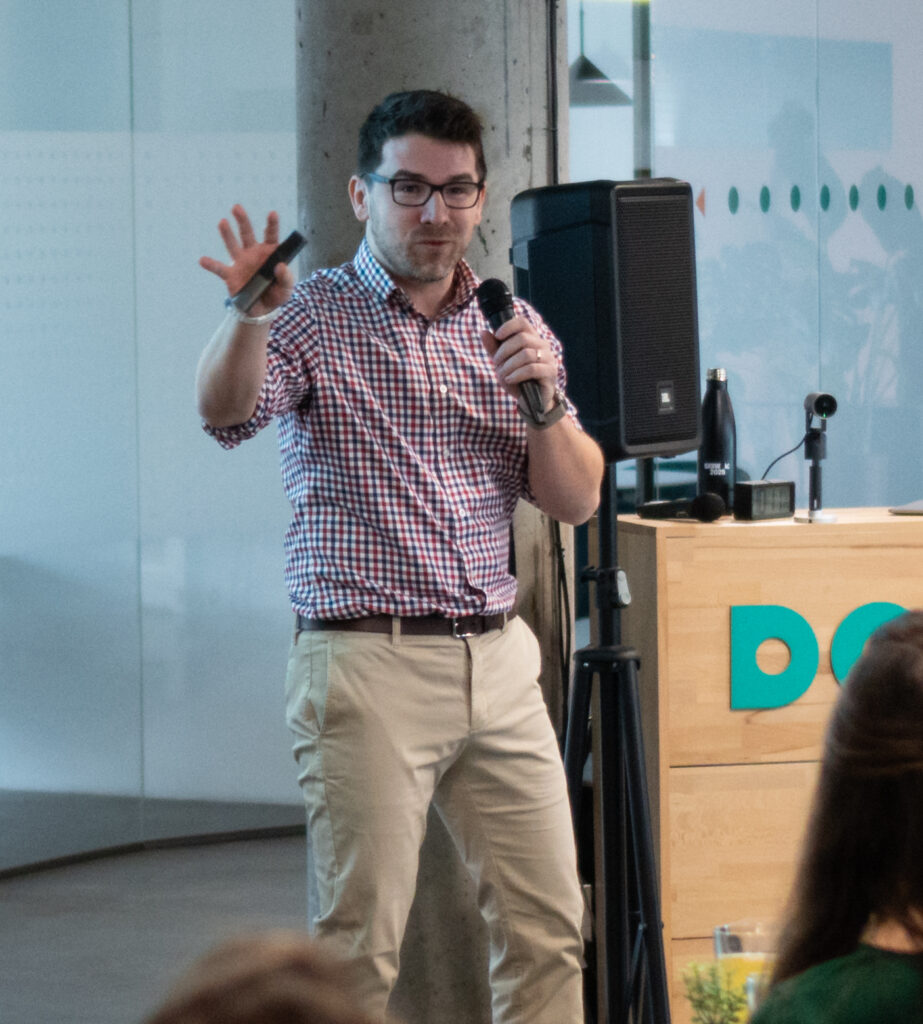
I speak about AI often, and I also invest in my own learning and fly to AI conferences in the USA.


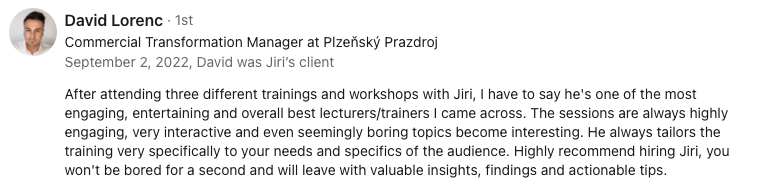
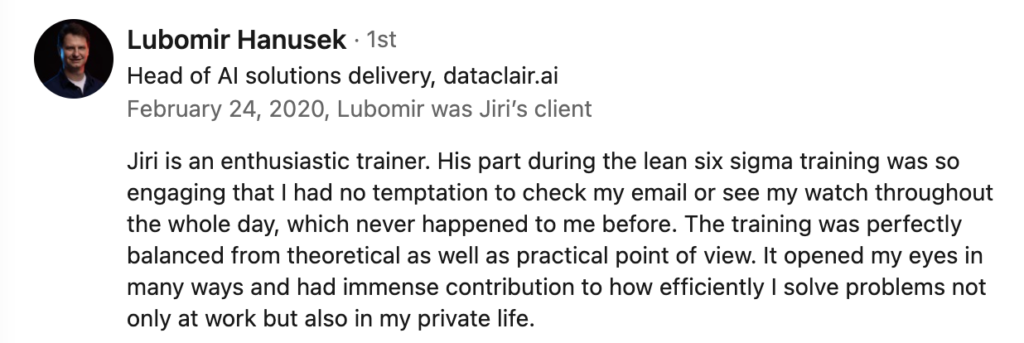
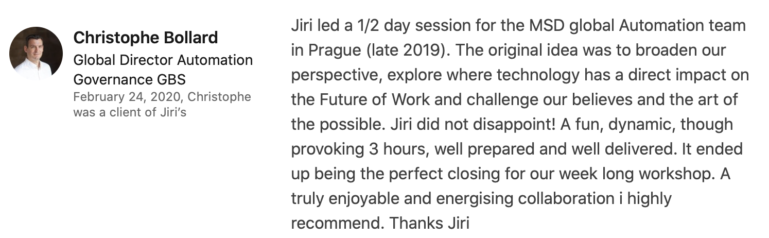
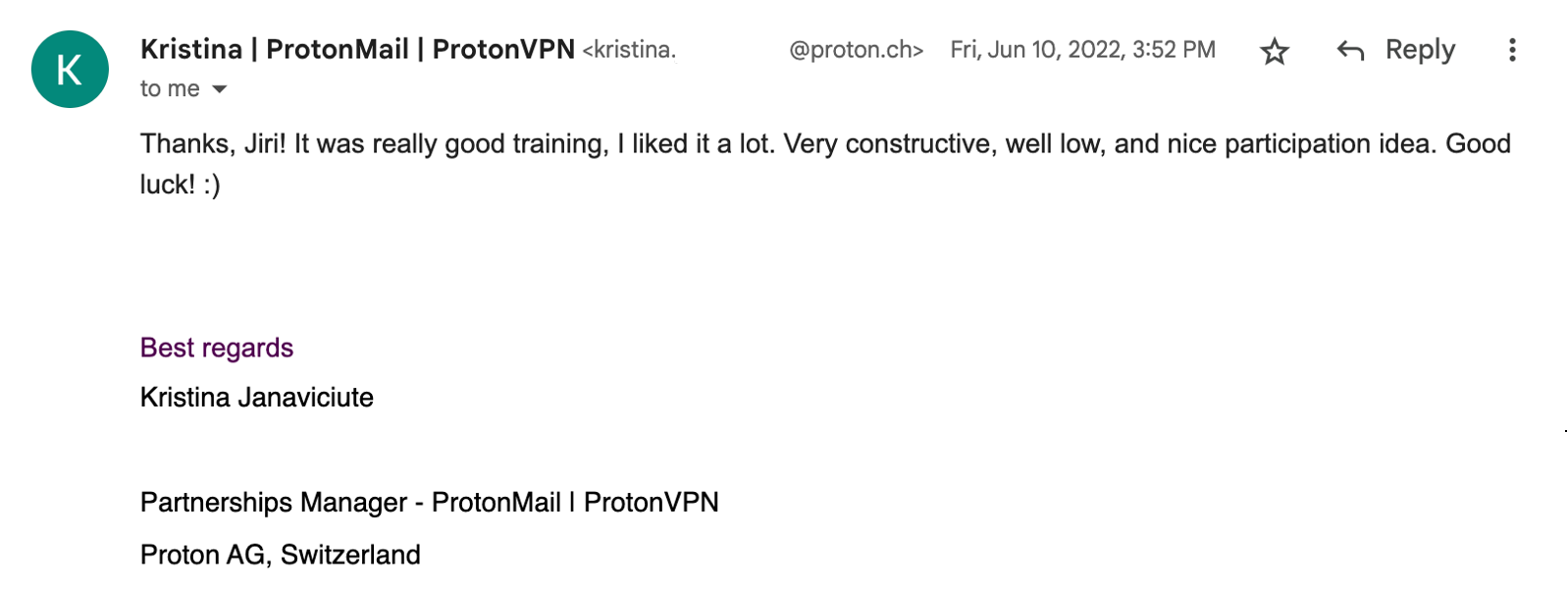
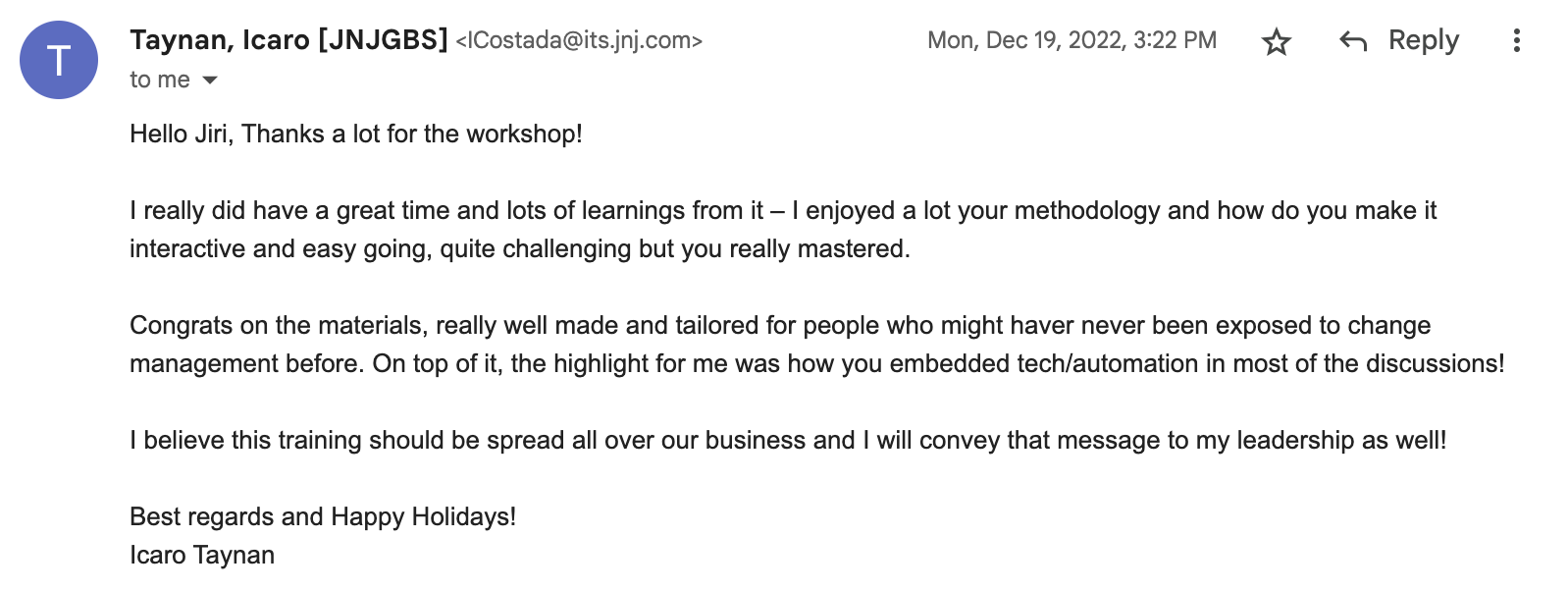
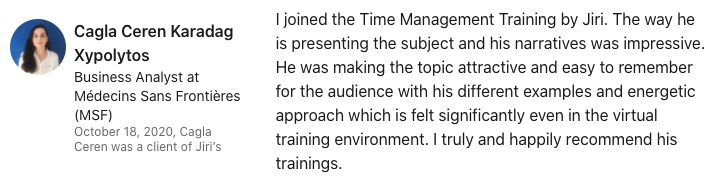
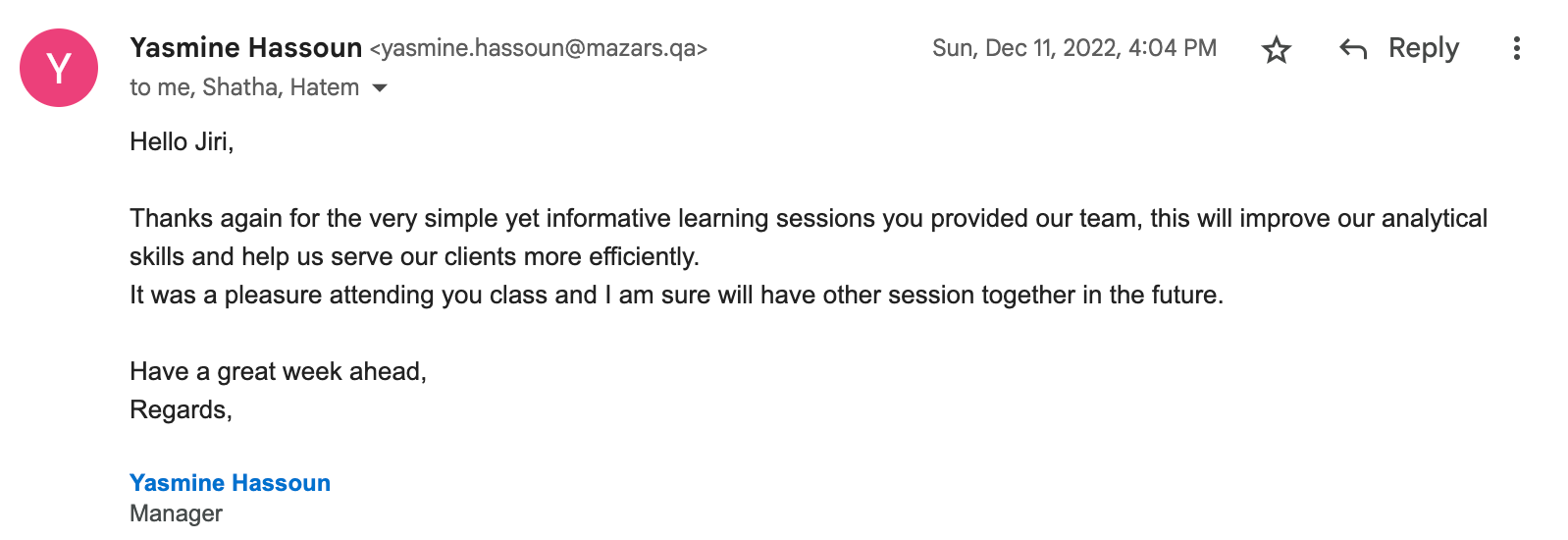
What do participants say?



Considering getting your people trained?

Write me or call me!
I will be happy to go over the training curriculum with you in detail and answer your questions.
We can talk about how to tailor this course to your training needs or build a custom training program.
Based on our conversation, I will send you a customized curriculum and a quote.
I believe that this training will pay for itself, that people will remember it and that it will start a real change towards innovation.